Scan a receipt
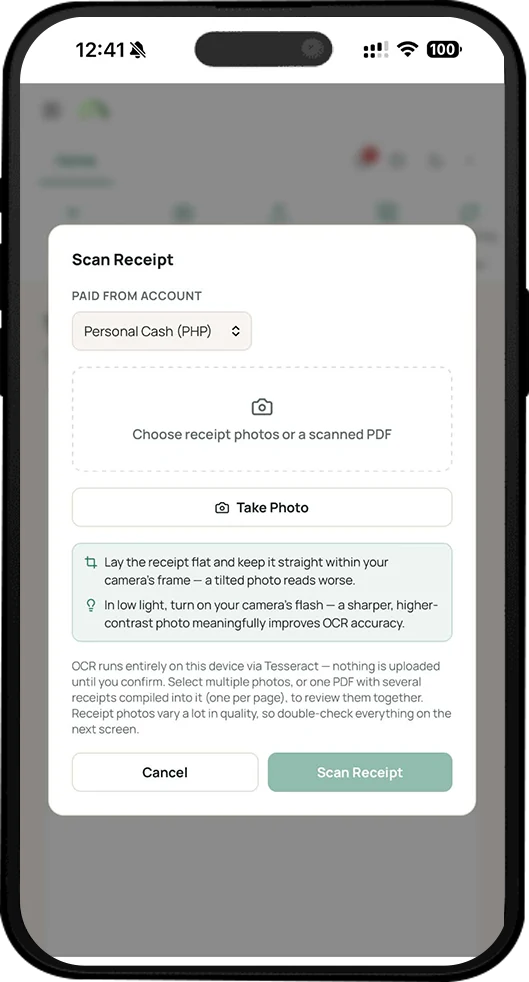
Take a photo of a receipt and Accountryx Fin reads the total for you. No typing.

Personal finance tracker
Accountryx Fin is a friendly money app that helps you track spending, plan budgets, and see your real net worth, even when you're offline. Use it on your phone or desktop browser, or install the Windows app.
Free for now. Every feature unlocked.
Works on desktop and mobile browsers, plus a Windows app with offline mode.

The big six
Simple enough for your first budget, capable enough to keep personal, business, and family books separate.
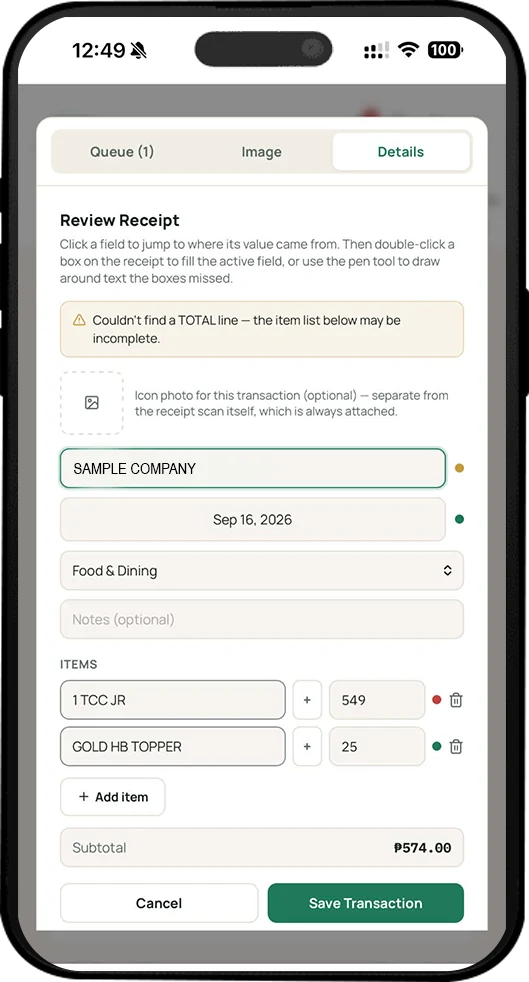
Take a photo of a receipt and Accountryx Fin reads the total for you. No typing.
Upload a PDF statement and your transactions appear, ready to review before they're saved.
Set a spending limit or a savings goal, and watch your progress bar fill up. Unspent money can roll over.
Loans and credit cards are subtracted, so the number you see is the number you're really worth.
No signal? Keep logging in the Windows app. Everything syncs the moment you're back online.
Two-step verification, strong password checks, and locked local data in the Windows app.
Stop typing your receipts
Take a photo or upload a receipt and the app fills in the details. Fix anything that looks off and your corrections stick, even if you scan again.
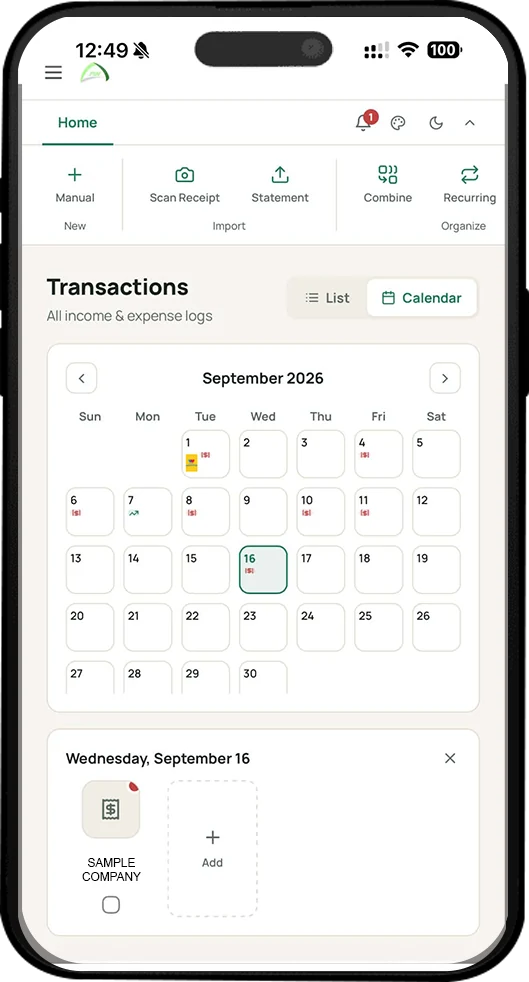

Split it. Request it. Done.
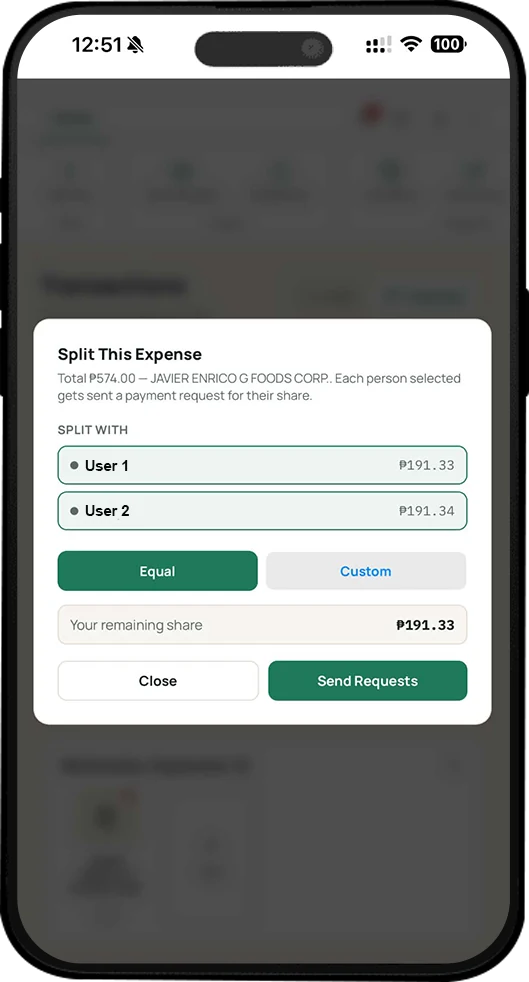
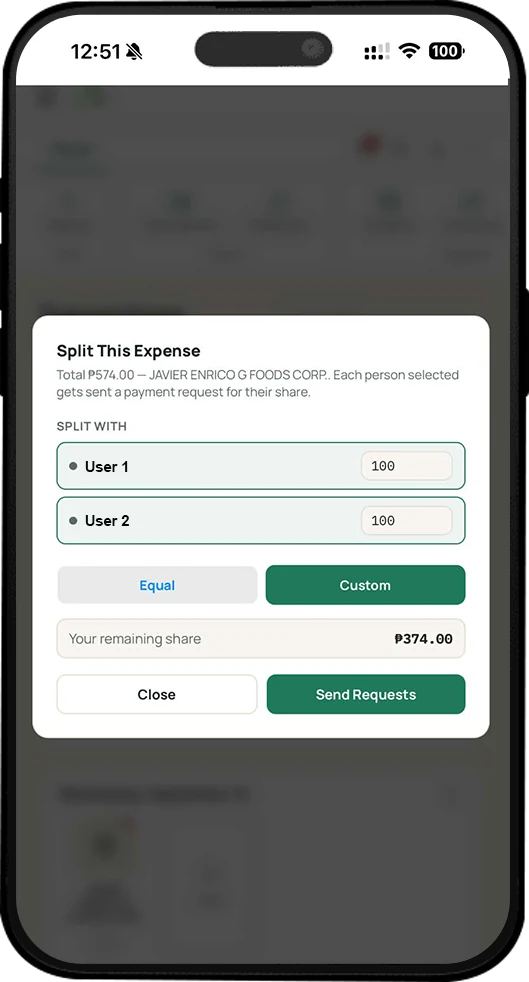
Split an expense with friends straight from the toolbar, then request payment by email or in-app. Attach your GCash or Maya QR so they can pay right away.

Make your dashboard yours
Create as many portfolios as you like. Each has its own accounts, categories, budgets, and reports, and you switch instantly from the sidebar.
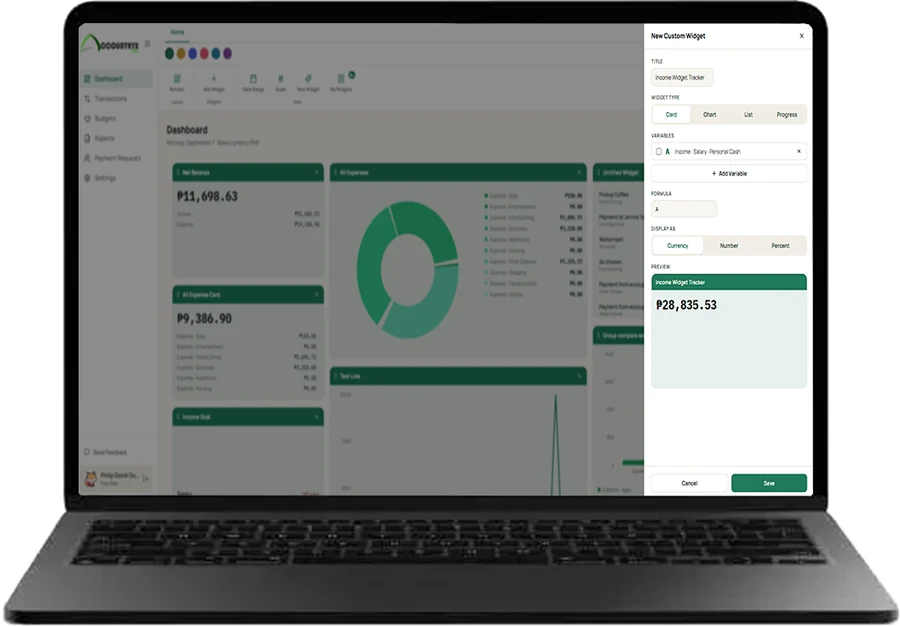
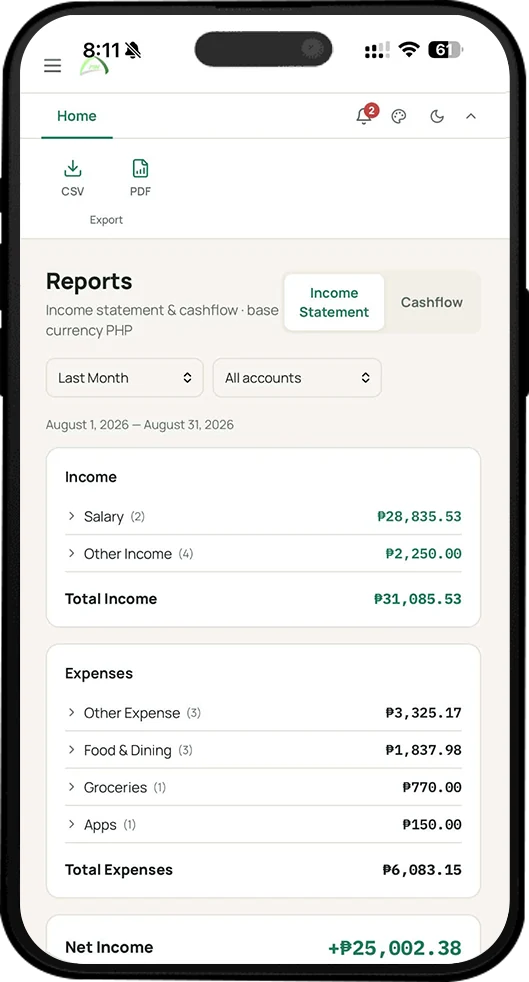
Accountryx Fin screenshots
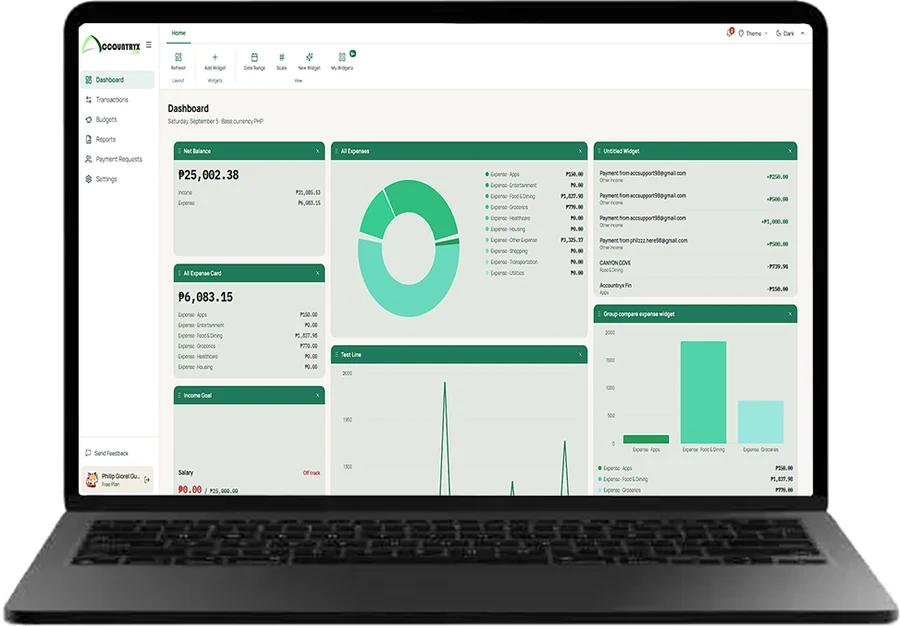
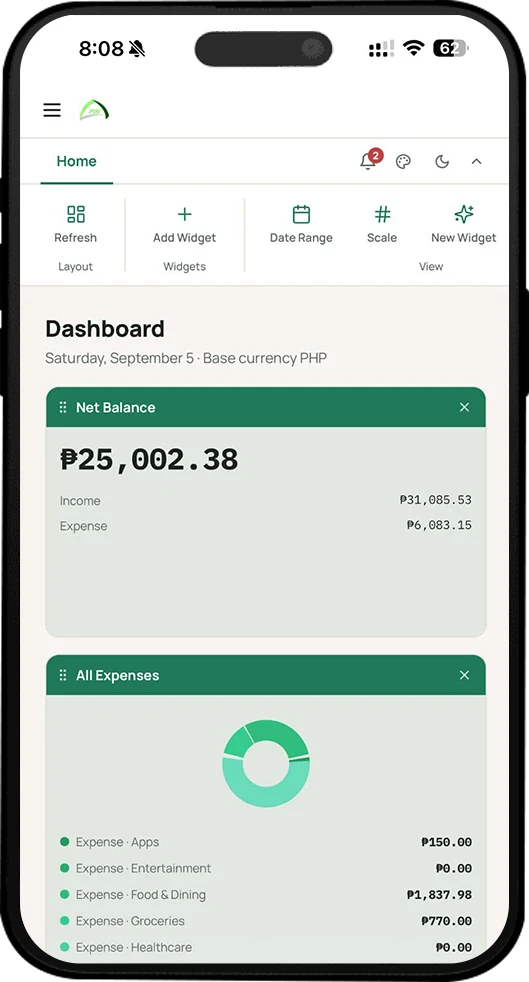
Real screens from the desktop web app. The same layout adapts to your phone.
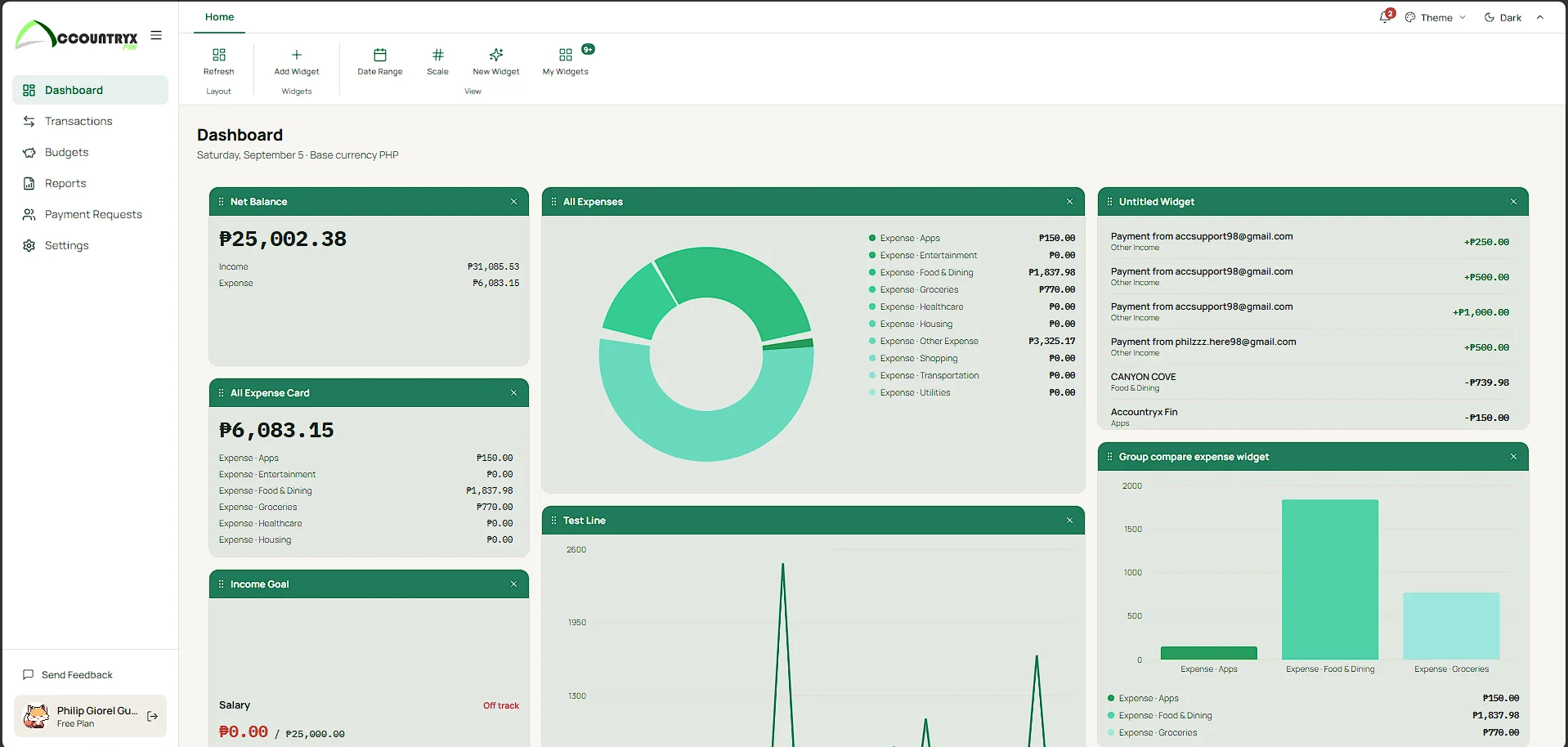
Net Worth, Spending by Category, Cashflow Trend, Budget Progress, and Recent Transactions in one view. Rearrange widgets, build your own, and pick a date range from this month to all time.
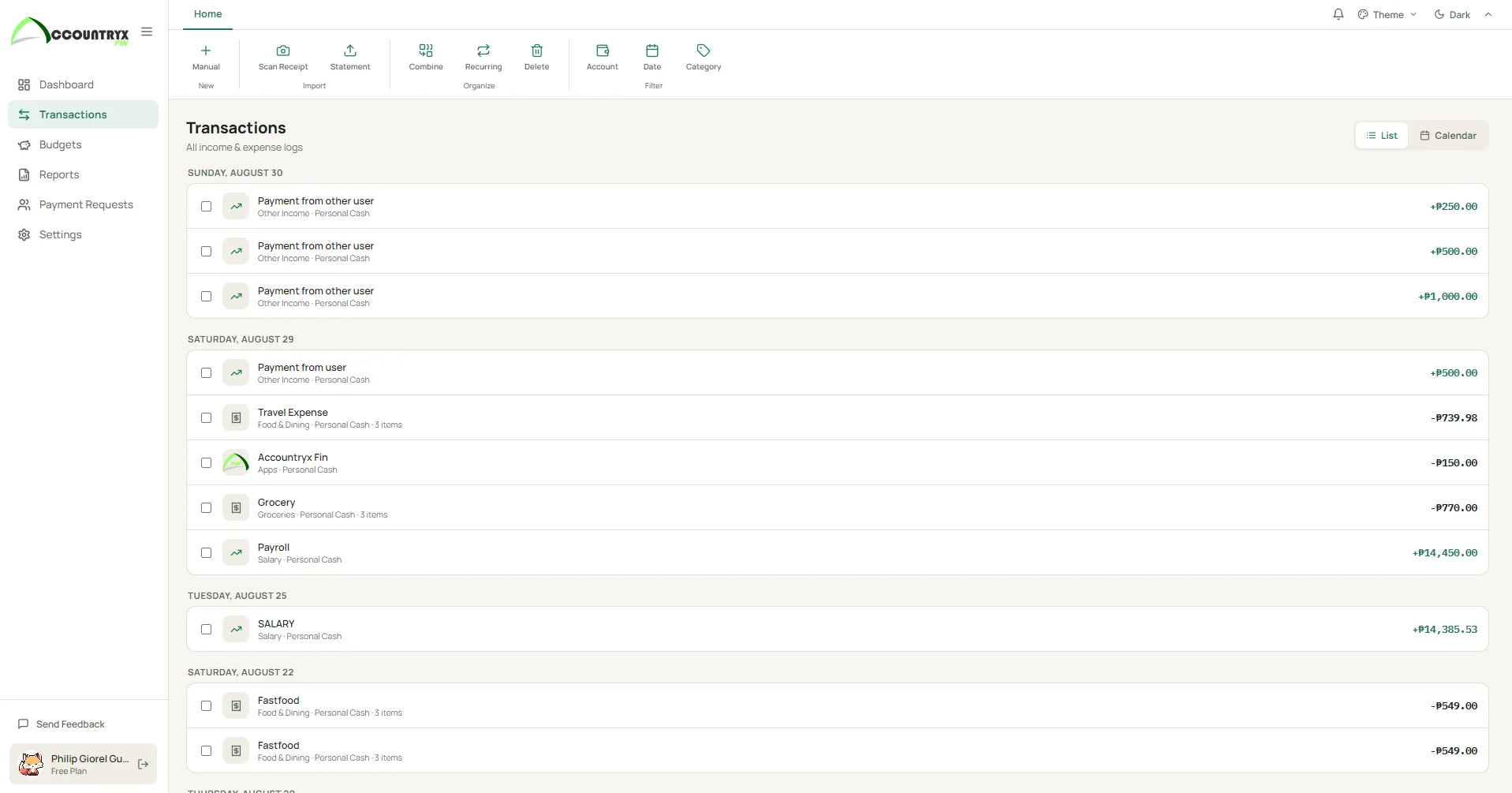
Log income and expenses in seconds with a date, account, category, and notes. Filter, combine, or split transactions, see spending day by day in calendar view, and bring in receipts and PDF statements without retyping.
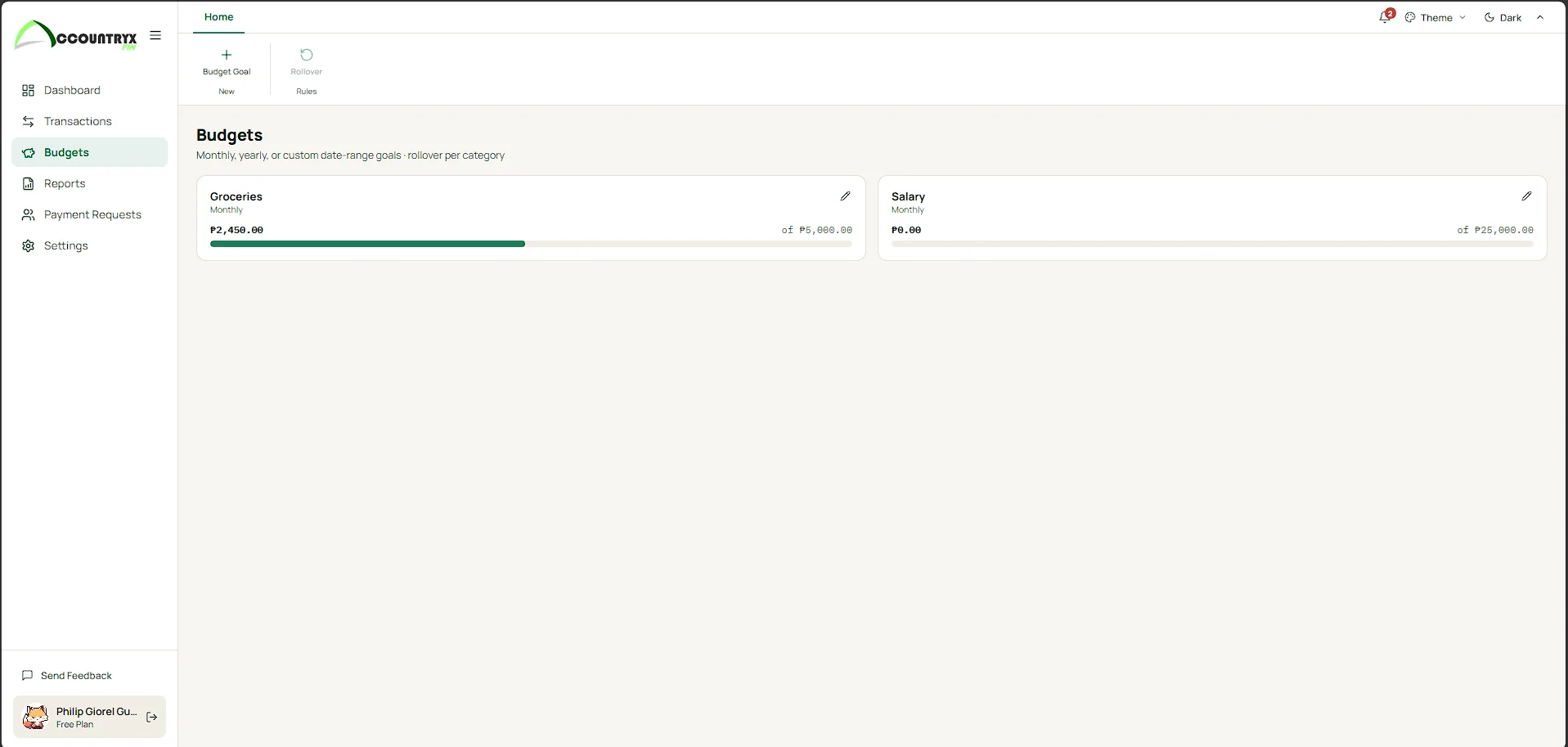
Set expense budgets by category or savings targets for an account. Reset daily, weekly, monthly, yearly, or never, roll unspent money over, and watch the progress bars fill up.
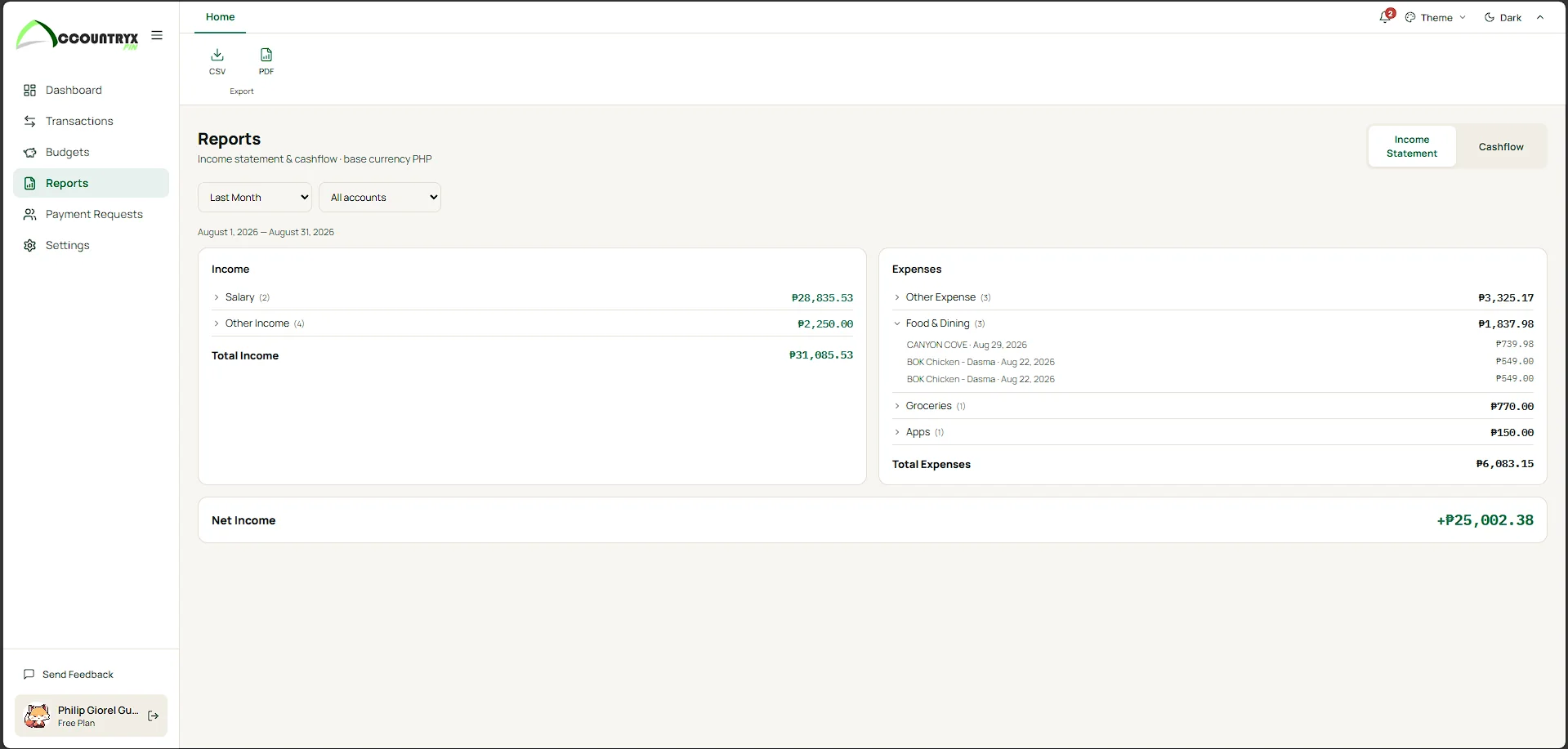
An Income Statement and a Cashflow report for any account or period. Export as CSV or a printable PDF.
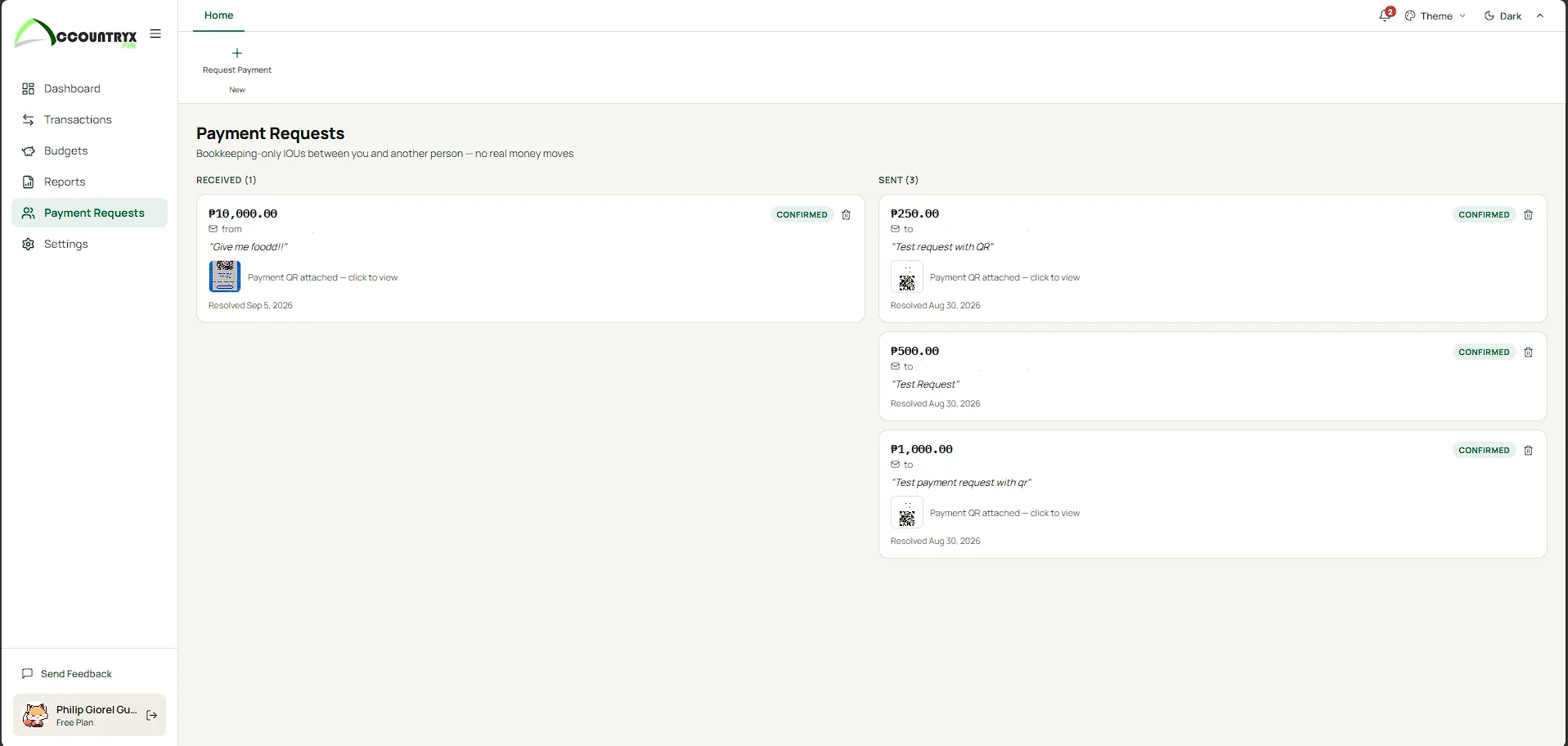
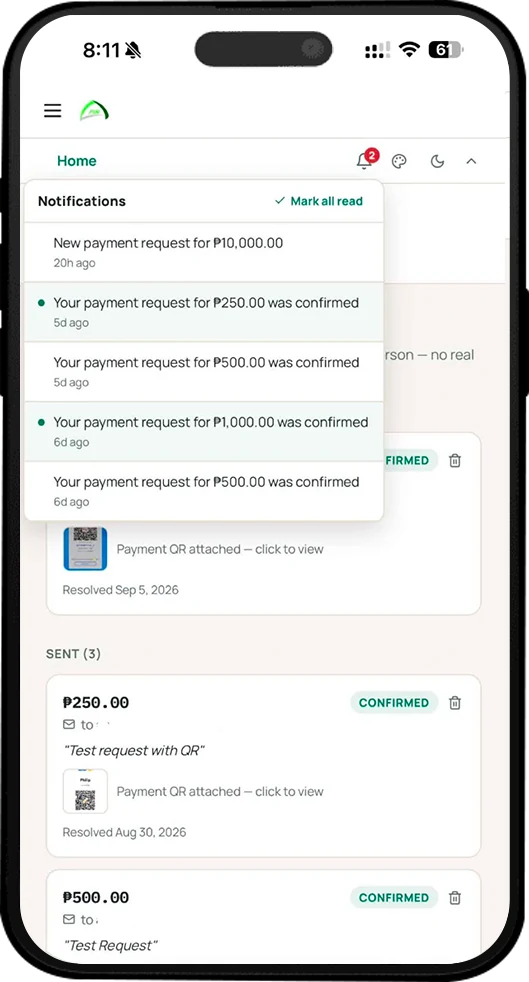
Ask a friend or family member to pay you by email or in-app, with your payment QR attached. Confirm or decline with a note. Requests expire after 30 days for safety.
Open Accountryx Fin on your desktop or phone browser. The layout adapts to smaller screens, and you can sign in with Google or with email and password. Same account, same data everywhere.
Open the Web AppInstall from the Microsoft Store to add and edit transactions with no internet. A sync indicator shows your data is safe, and data on your computer is locked to your Windows account.
Get on Microsoft Store
Free for now
Every feature is unlocked while Accountryx Fin is free. Guided tutorials, light and dark mode, and Acco the fox are along for the ride.

Support
A personal finance tracker. Log income and expenses, scan receipts, import PDF statements, set budgets and savings goals, and see a net worth that already subtracts your loans and credit cards.
It is free for now, with all features unlocked, on both the web app and the Windows app.
In any desktop or mobile browser through the web app, and as a Windows app from the Microsoft Store. Both use the same account and the same data. There are no iPhone or Android store apps yet.
Offline mode is a Windows app feature: add and edit transactions with no internet and everything syncs when you're back online. The web app needs a connection.
No. There is no live bank link. Transactions come from manual entry, receipt scans, and PDF statement uploads that you review before saving.
Accountryx Fin helps you ask for and record payments, including attaching your payment QR code. It does not move money itself, so payment happens outside the app.
Two-step verification with an authenticator app, strong password rules (12+ characters, checked against leaked passwords), auto sign-out, and locked local data in the Windows app.
Philippine Peso (default), US Dollar, Euro, Japanese Yen, Singapore Dollar, British Pound, and Australian Dollar.
Still stuck? Email philzzz.here98@gmail.com.